
01
Professional Editing
Crop, rotate, resize, adjust and enhance photos using familiar editing controls.

Transform photos with professional editing tools, creative effects and powerful AI-assisted image features in one modern editor.
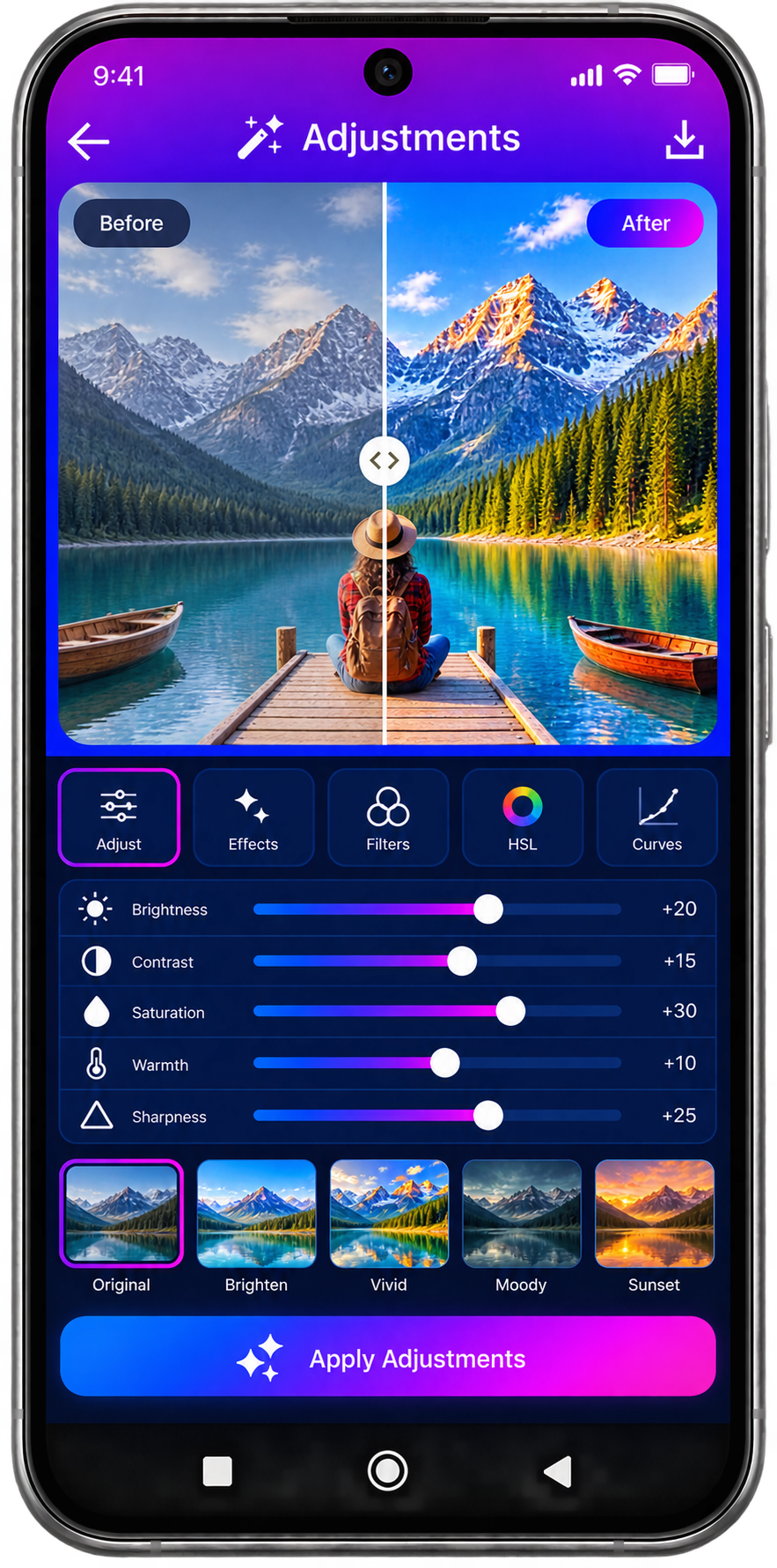
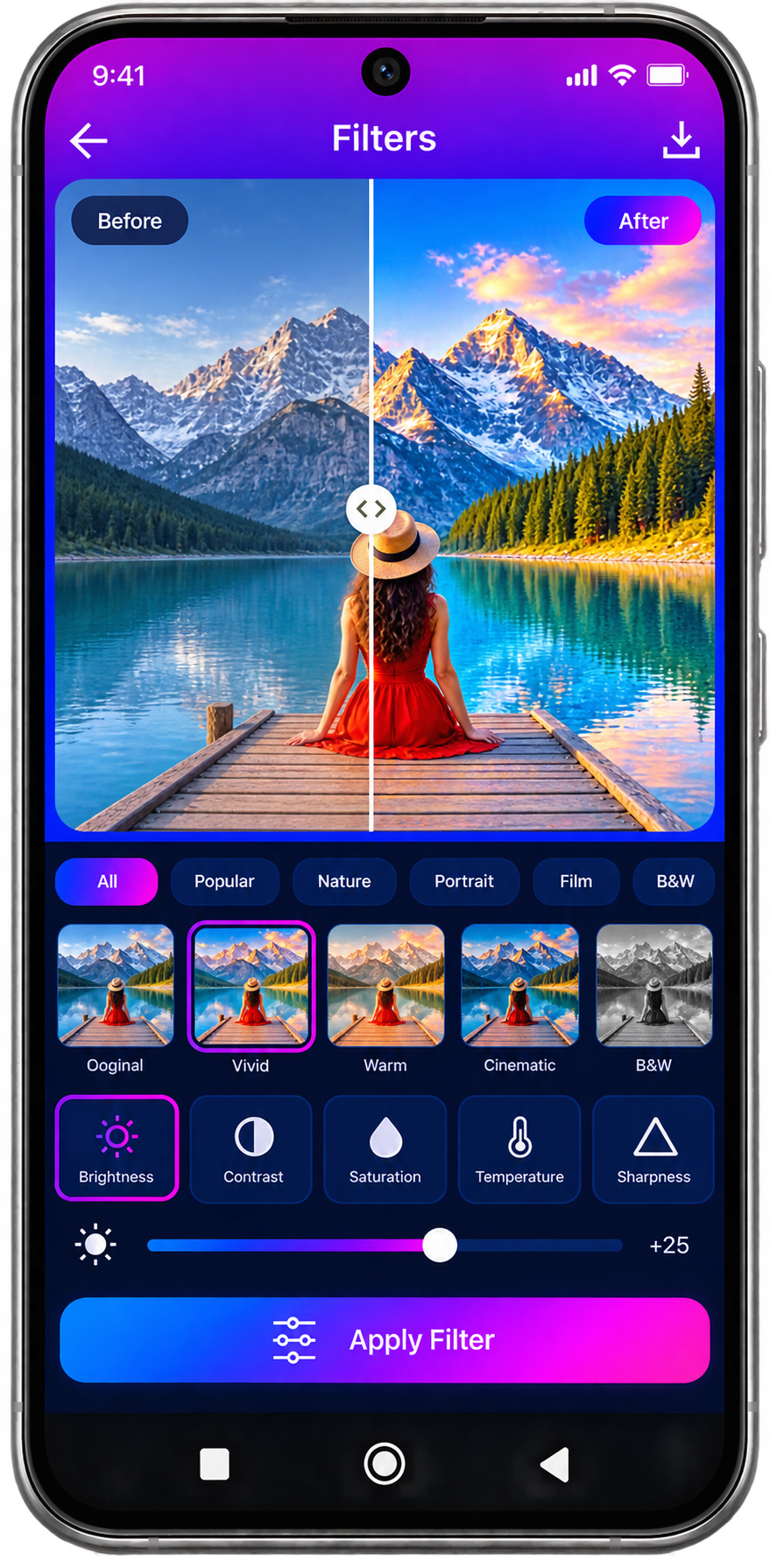
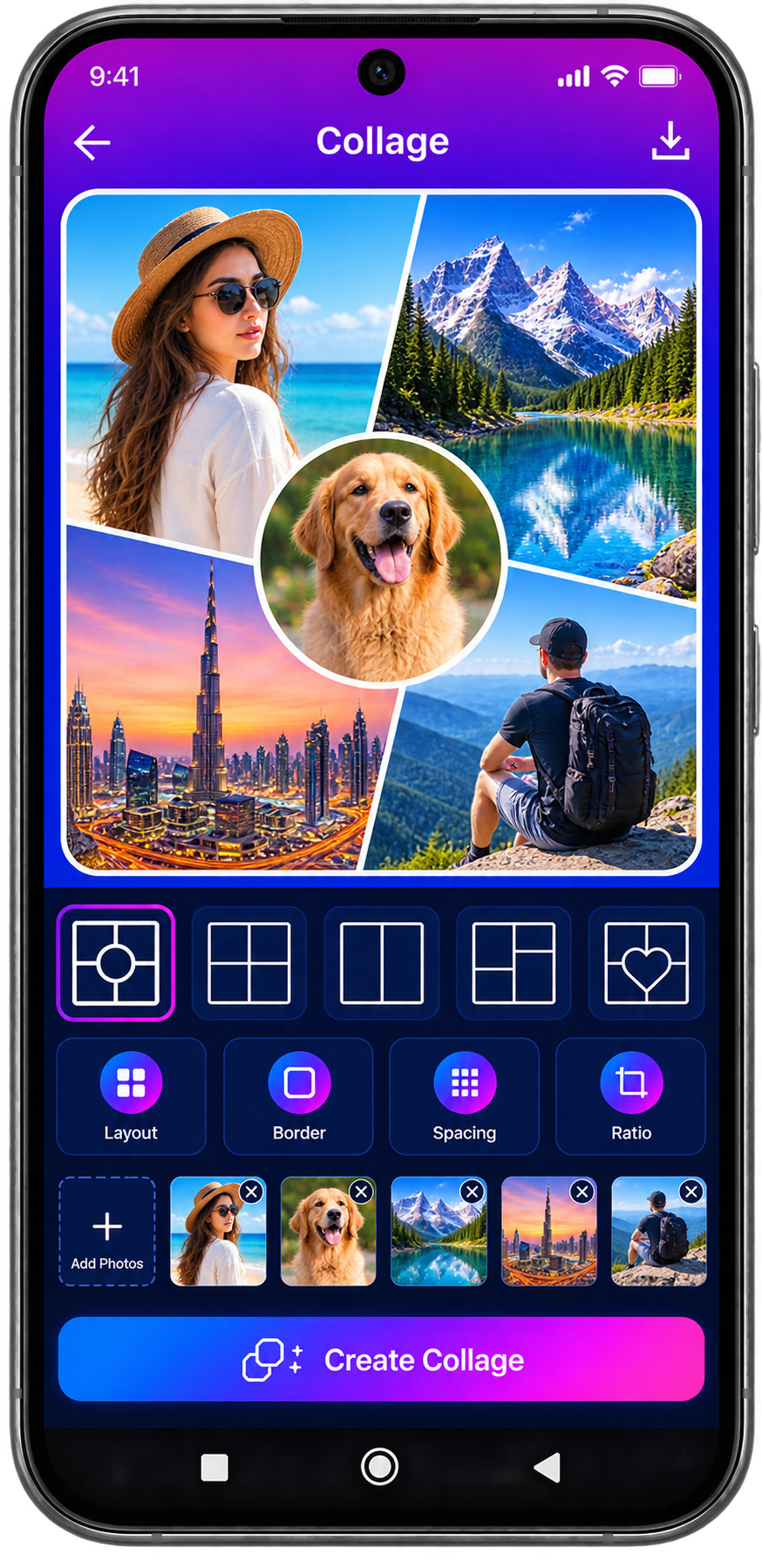
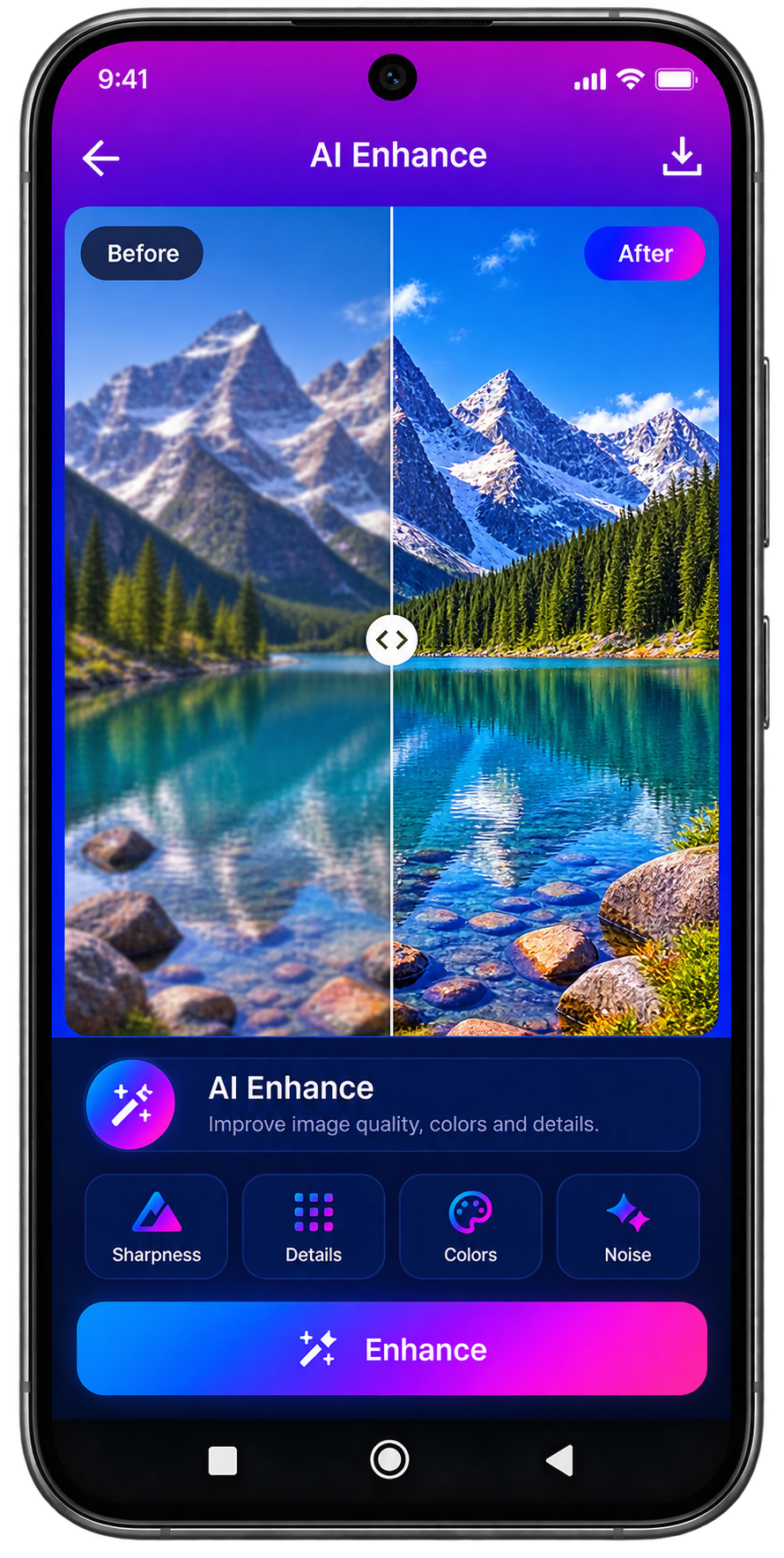
PhotoPro AI combines everyday photo editing with advanced AI-powered tools in a clean mobile workflow.
Users can improve photos, create new visual content, build collages, apply effects and access intelligent tools for demanding image-editing tasks.
The application is being designed around a modular system so new editing and AI features can be introduced over time.
Crop, rotate, resize, adjust and enhance photos using familiar editing controls.
Improve image quality with intelligent enhancement and restoration tools.
Remove, replace or generate backgrounds using AI-powered workflows.
Remove unwanted objects and distractions from photographs.
Create collages, thumbnails and other visual content from your photos.
Access image generation, style transformation and other intelligent creative features as they become available.
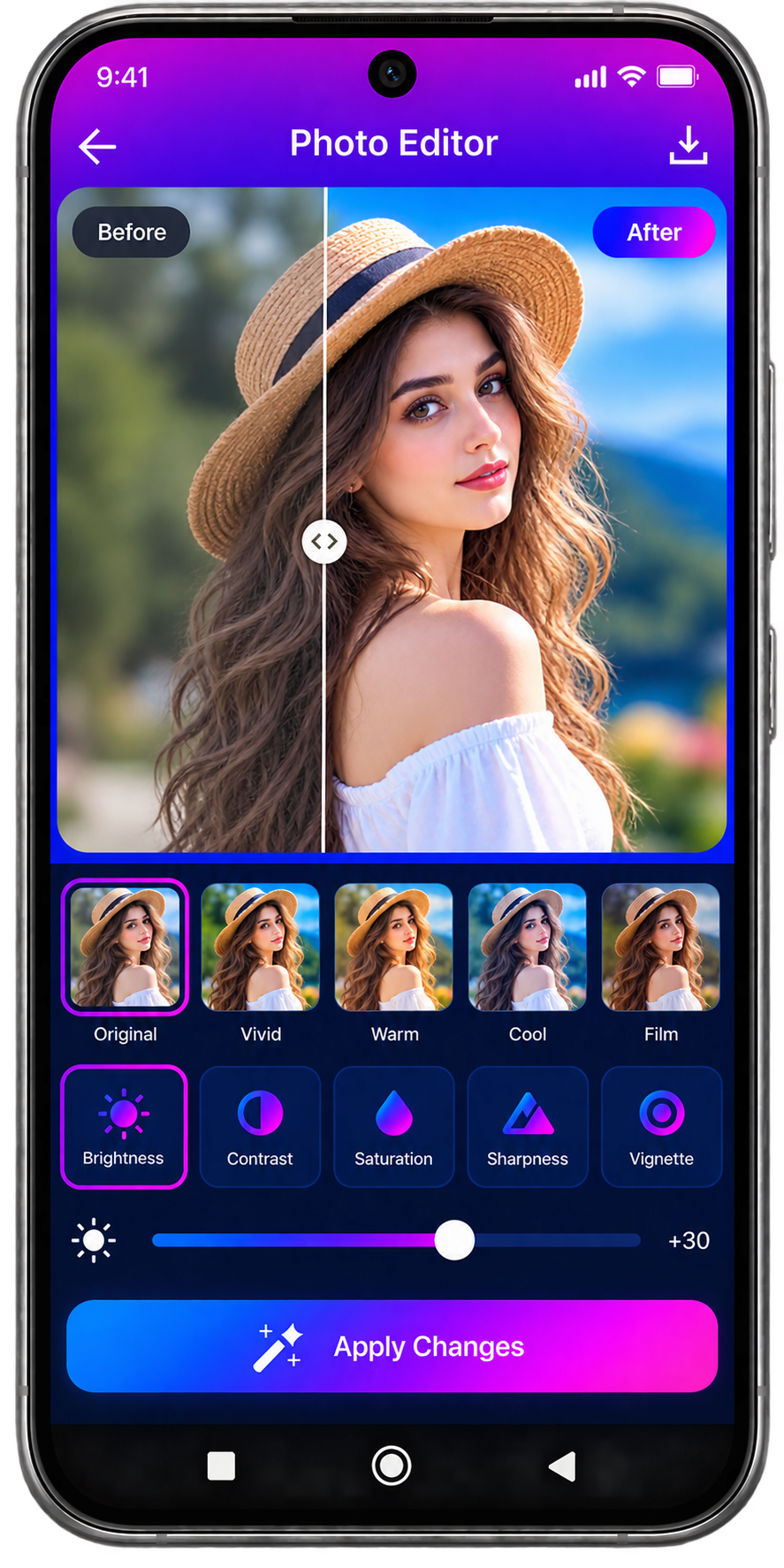
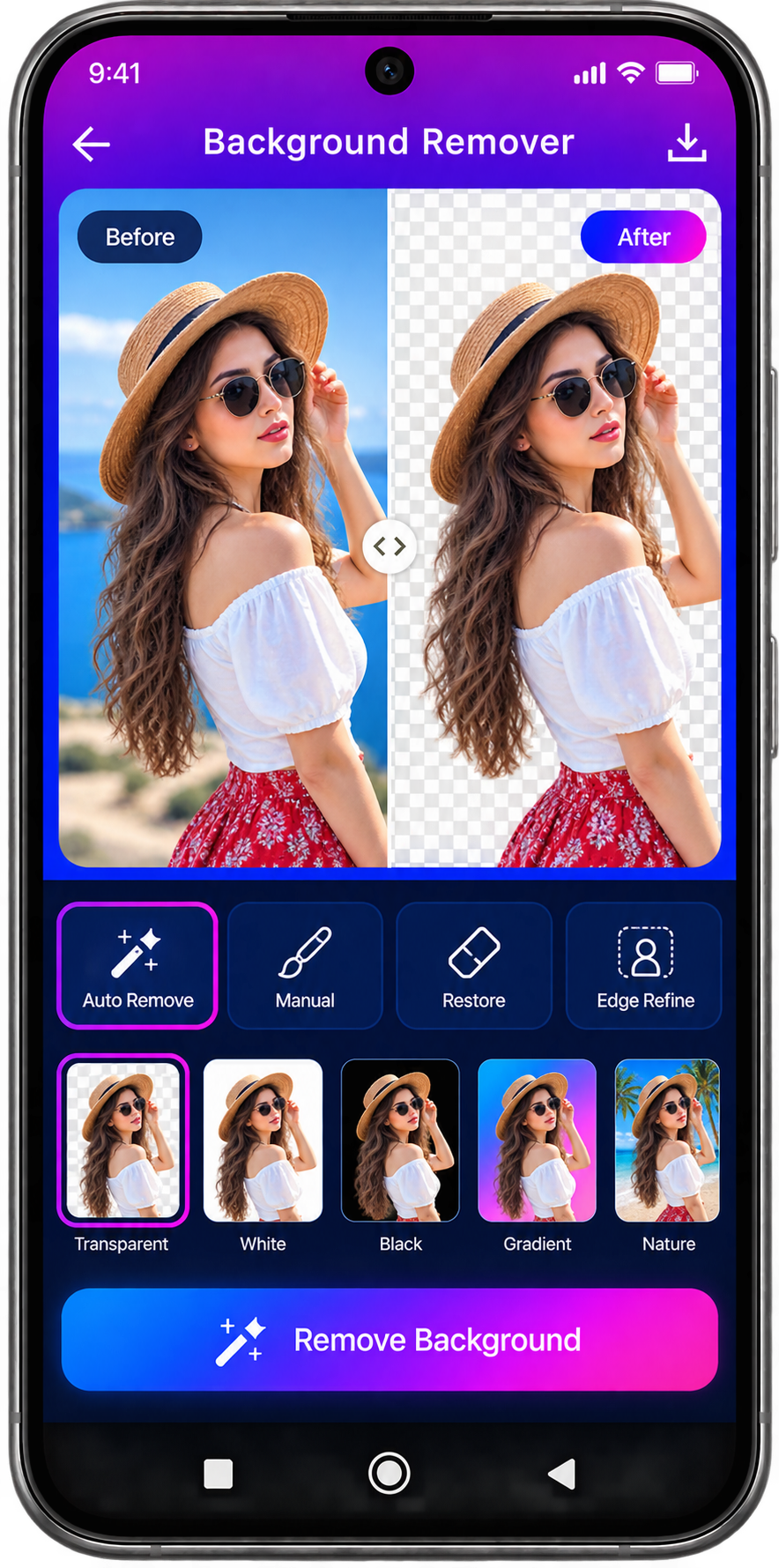
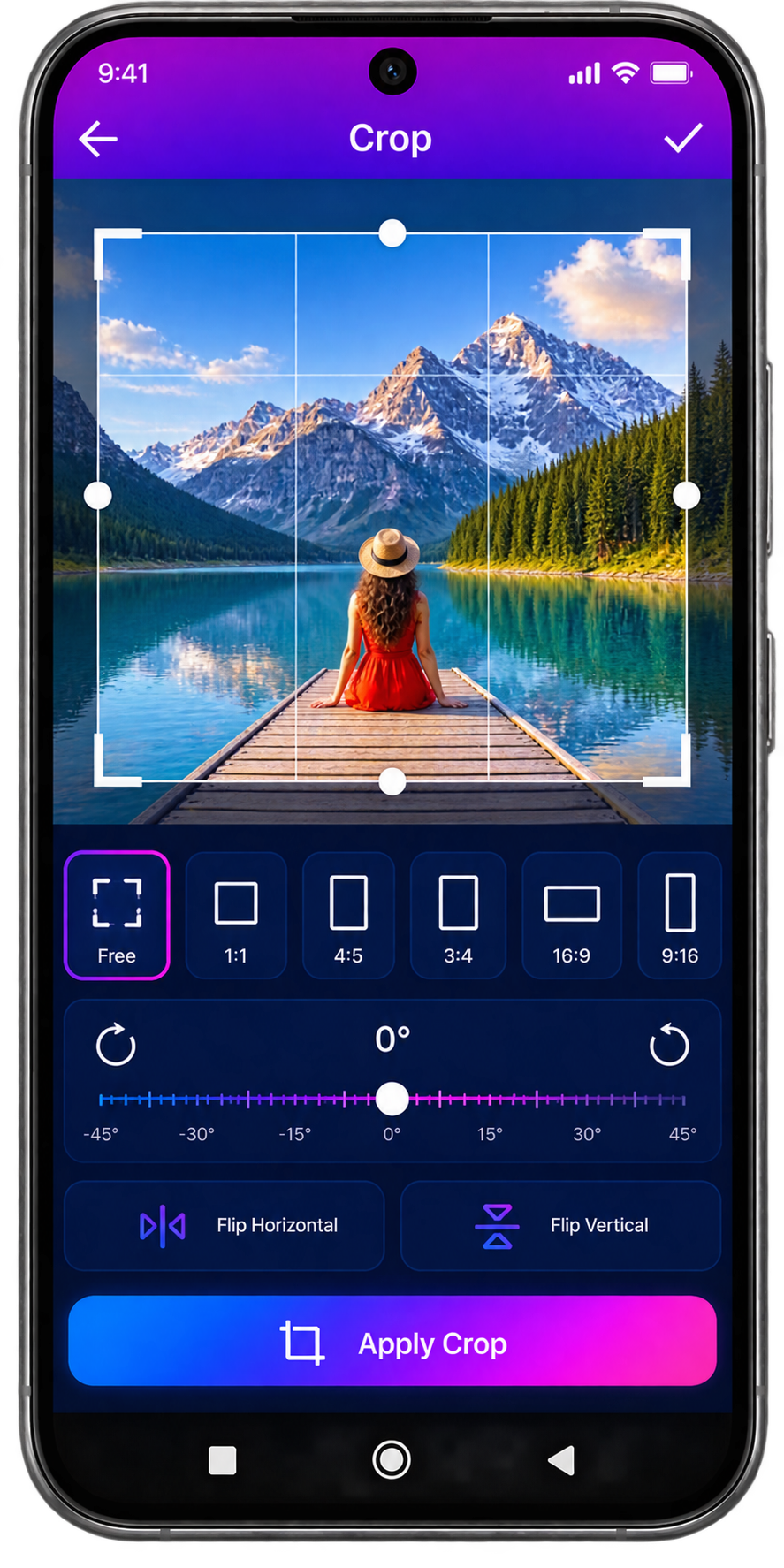
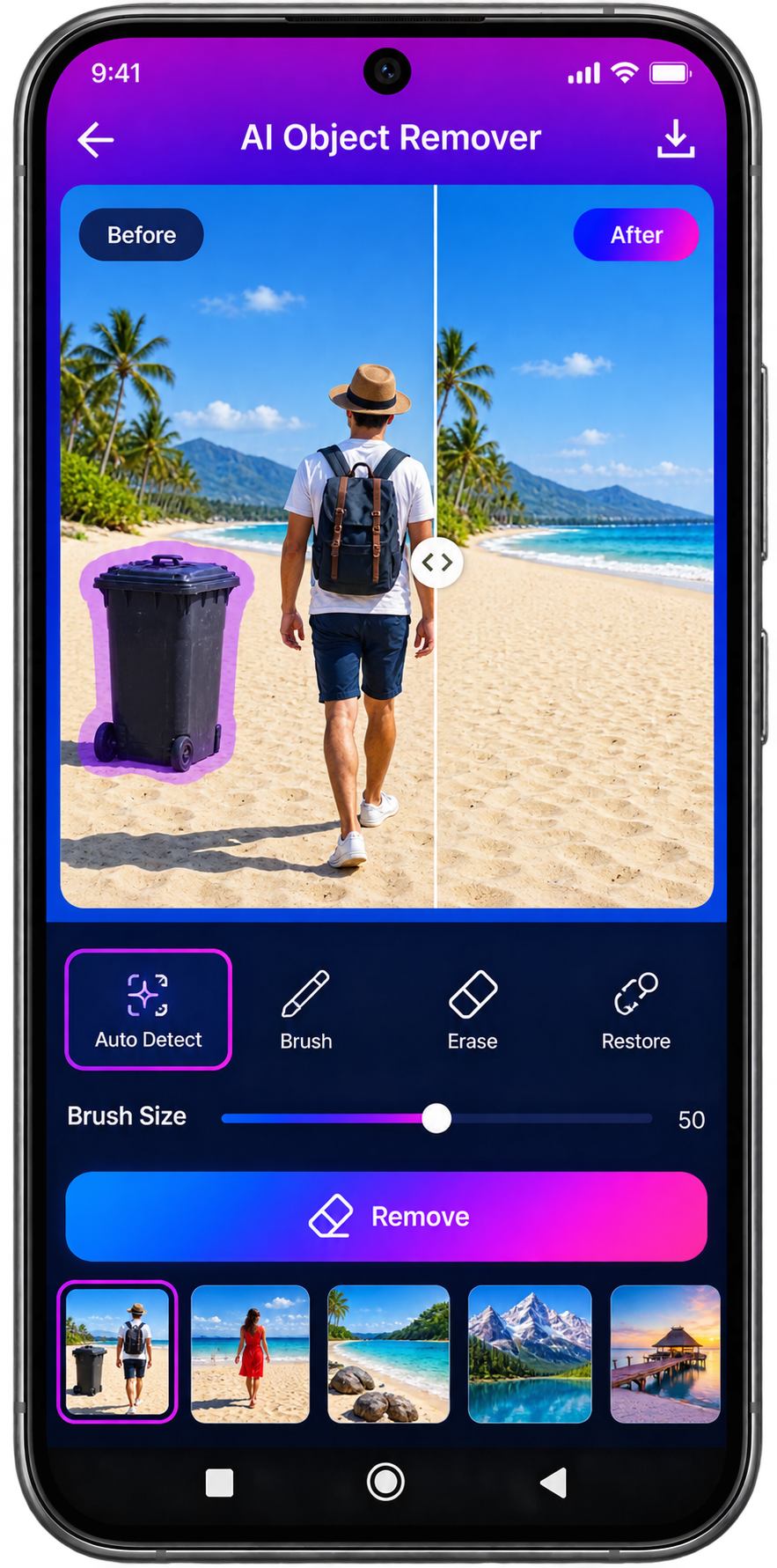
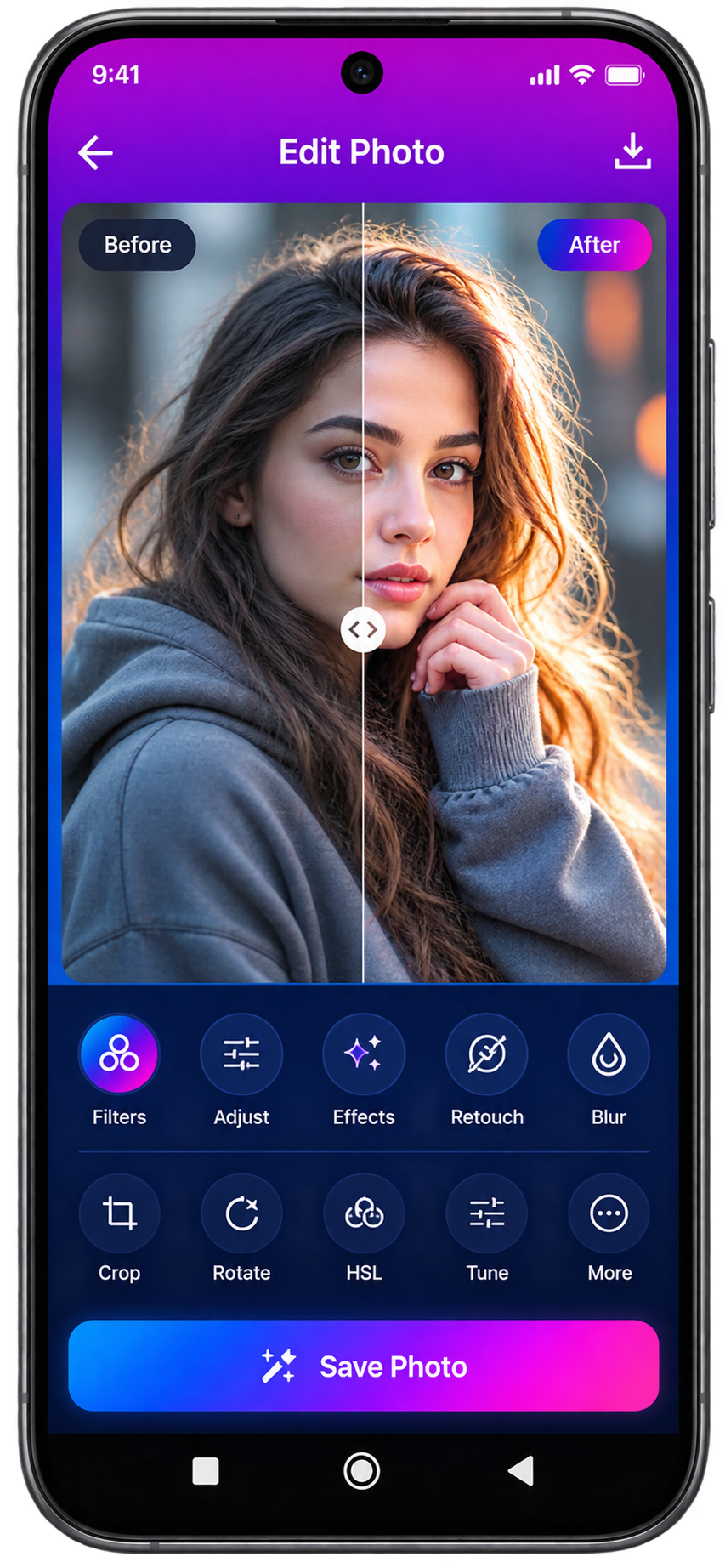
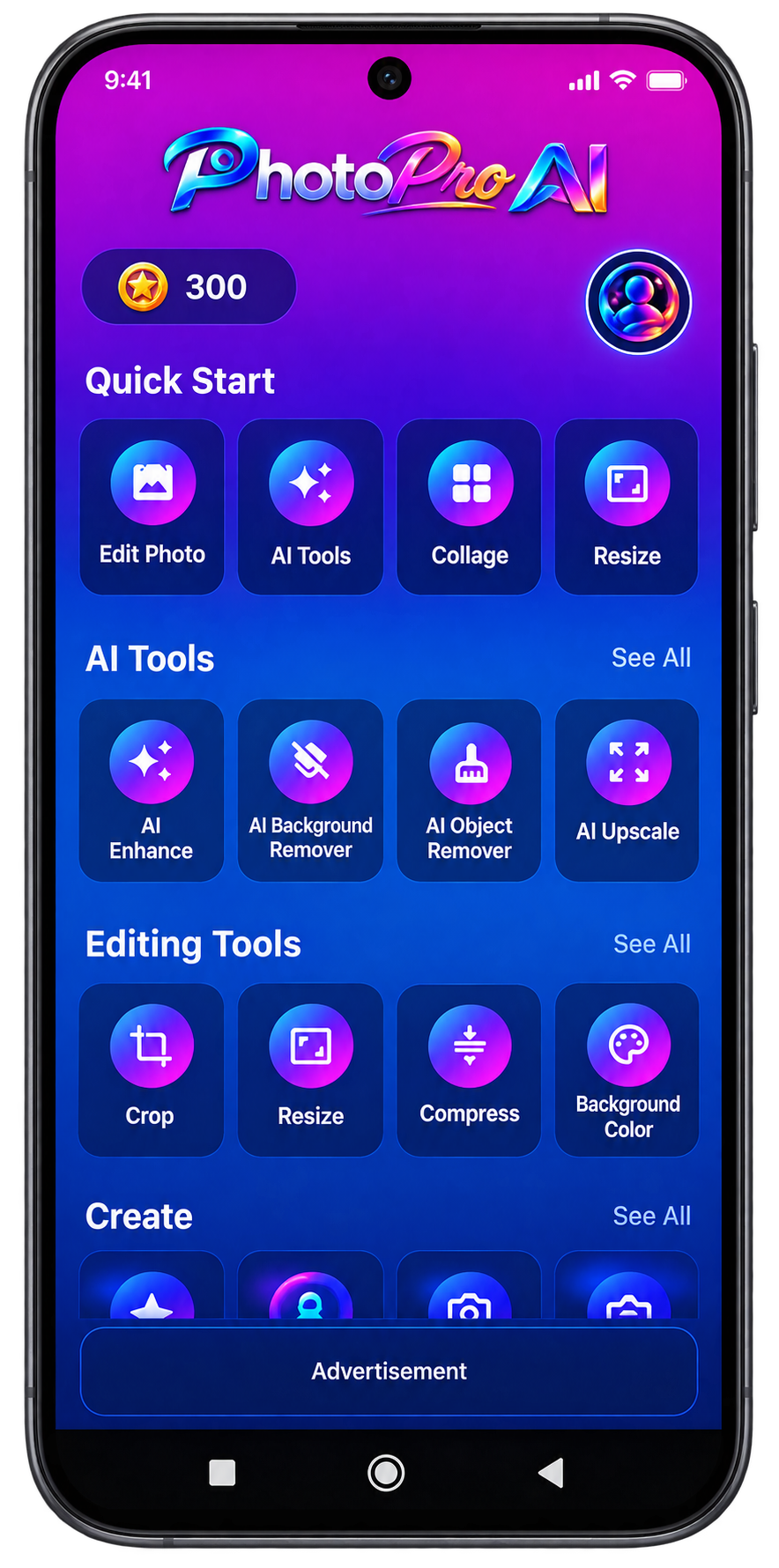
Normal editing may be performed locally. AI-powered features that require online processing may securely transmit the selected image to a remote processing service.
Read the PhotoPro AI Privacy PolicyNot yet. PhotoPro AI is currently in active development.
No PhotoPro AI account is currently required to use the application.
Yes. PhotoPro AI is designed to include both traditional photo editing tools and optional AI-powered features.
Some AI features may require secure remote processing. Features that do not require remote processing may operate locally on the device.
PhotoPro AI is designed to allow users to save and export completed edits to their device.
Core interface, feature architecture, Firebase configuration, legal pages and release assets are currently being prepared. Additional editing, AI and advertising systems will be completed before publication.