
01
Memory Match
Match hidden pairs using memory and concentration across quick rounds.
Jump into fast, colourful mini-games designed for short, replayable and addictive play sessions.
Quick Play is currently available through Google Play Closed Testing.
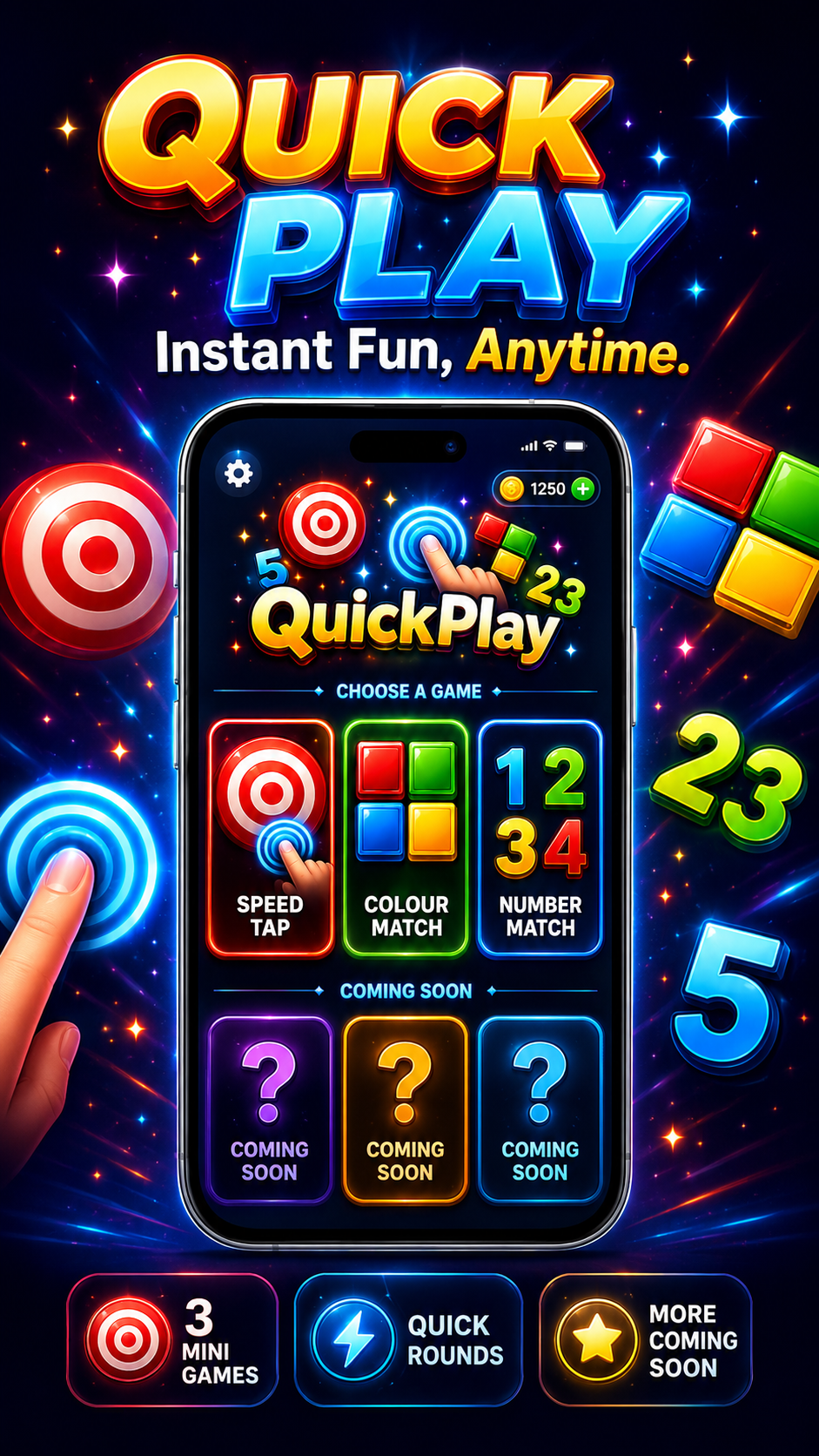
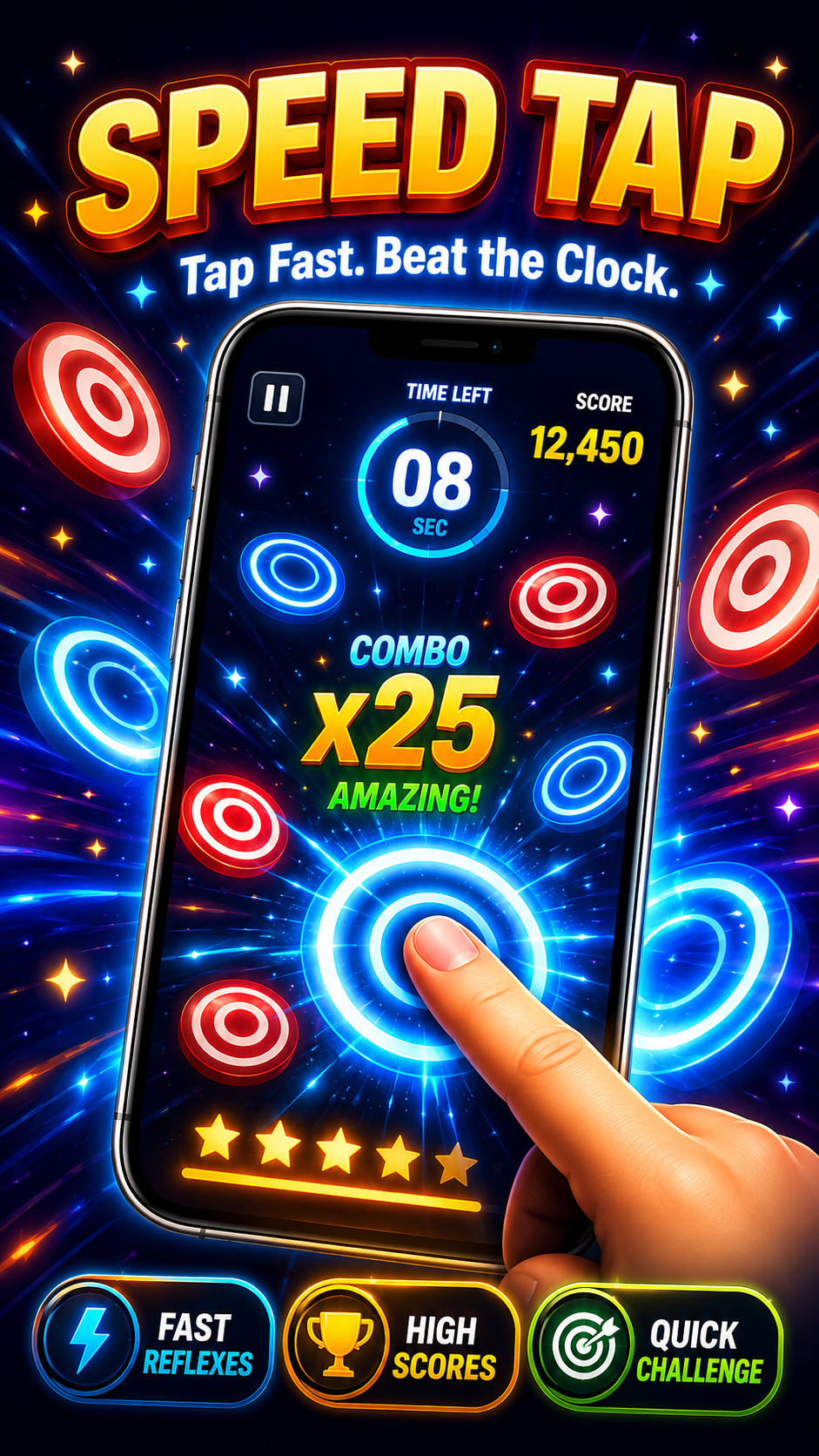
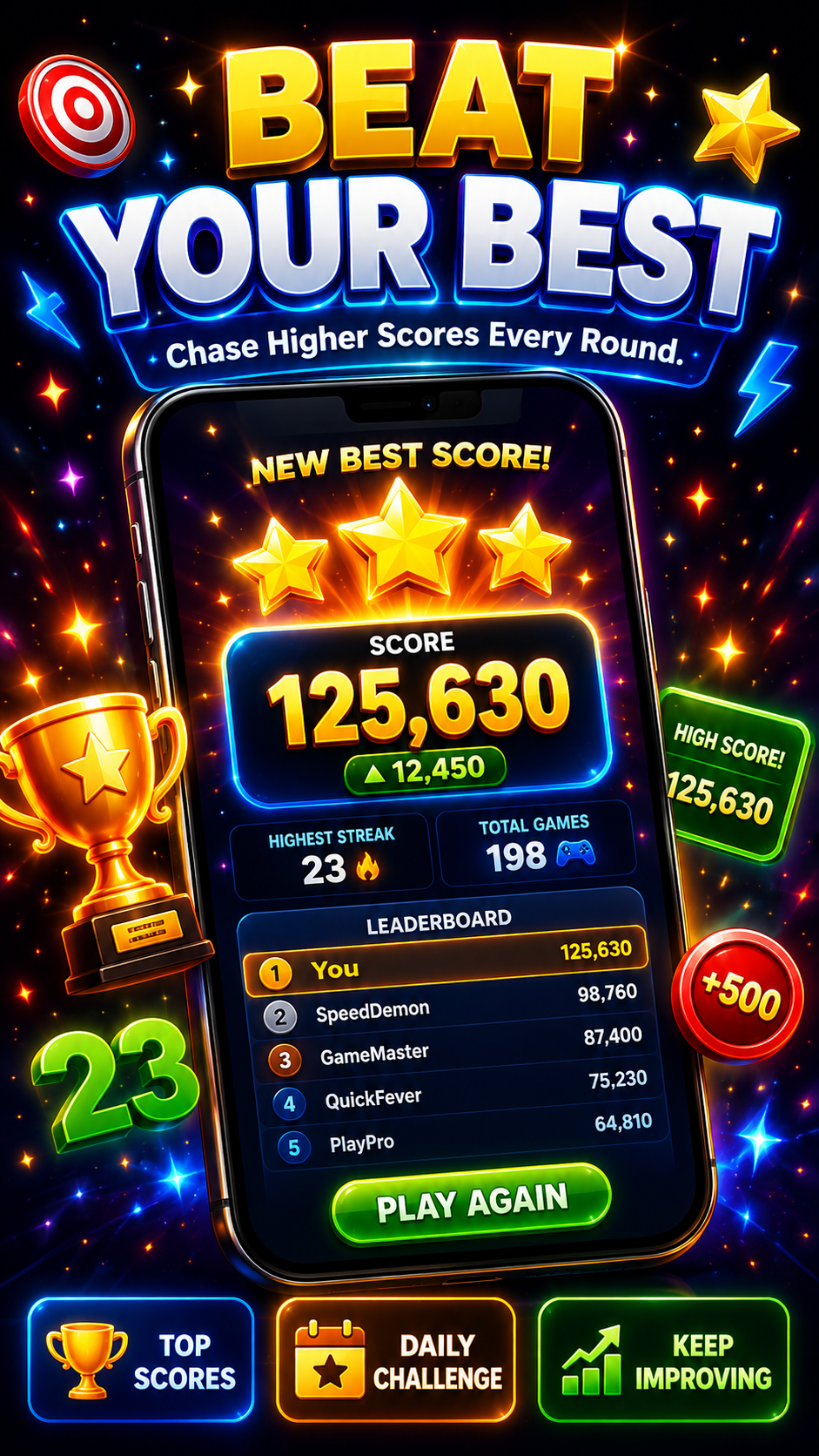
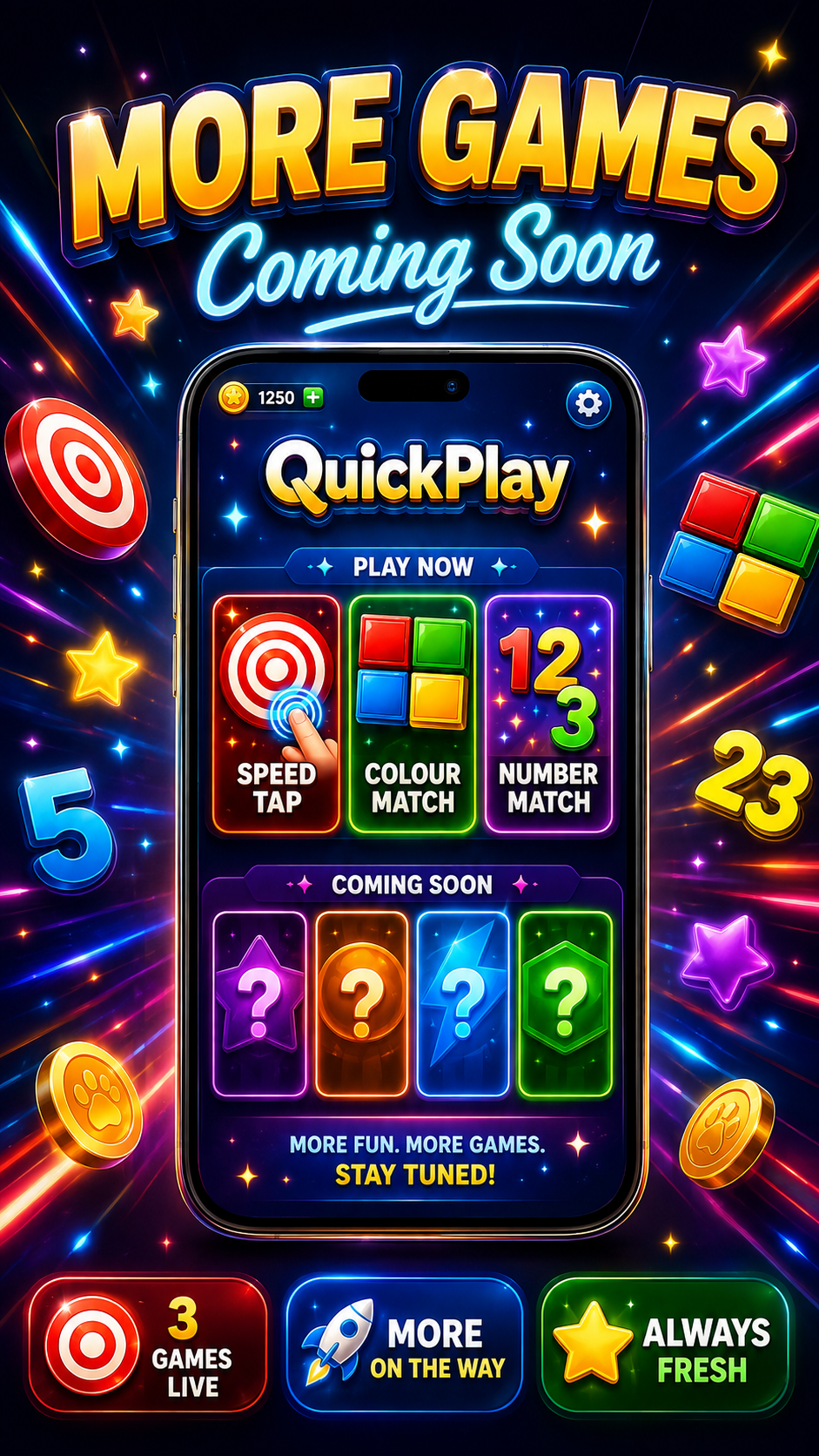
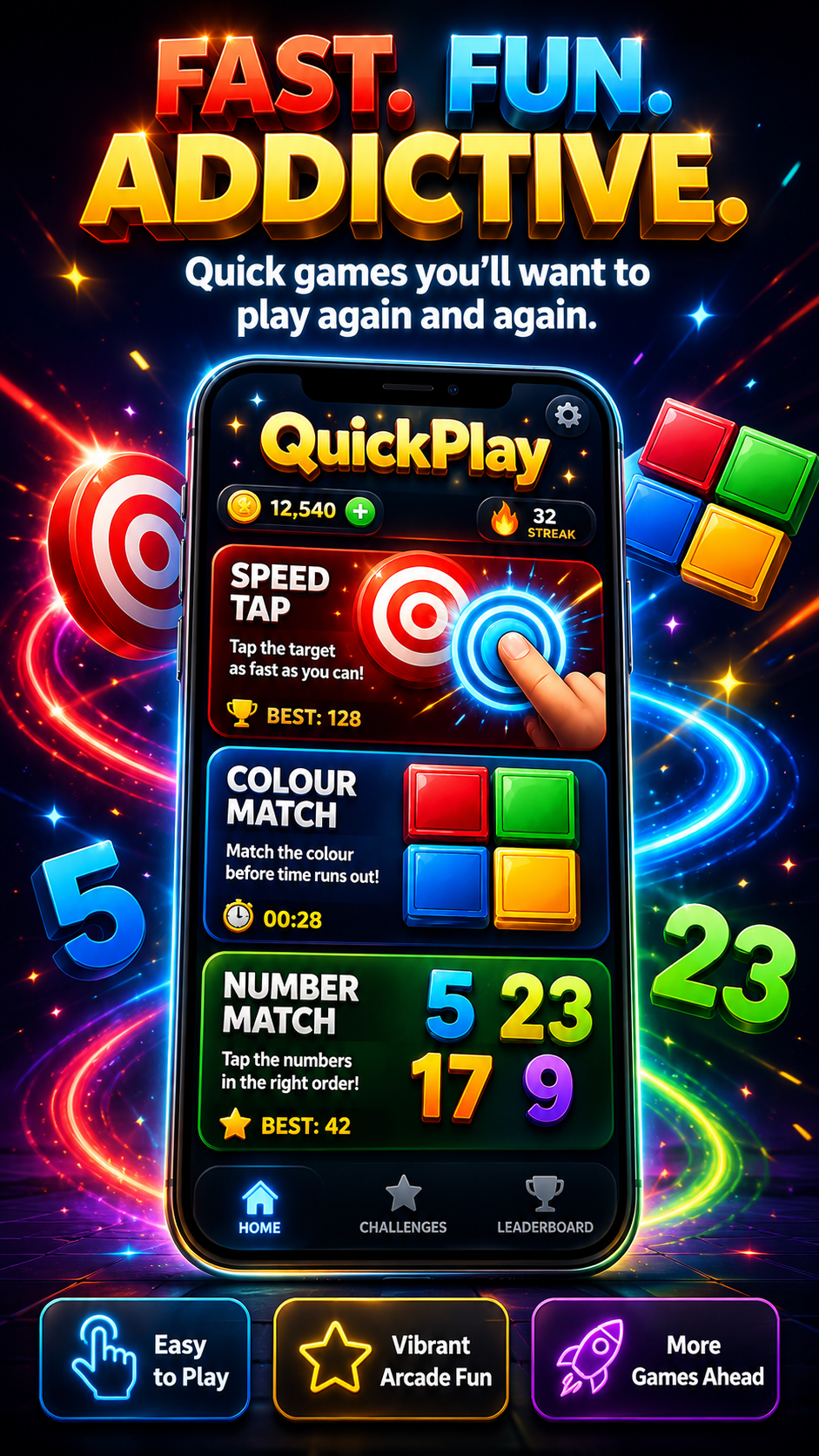
Quick Play brings several short mini-games together in one colourful app designed for quick sessions and repeat play.
Players can jump between different game modes, improve their scores and challenge themselves with simple rules and fast rounds.
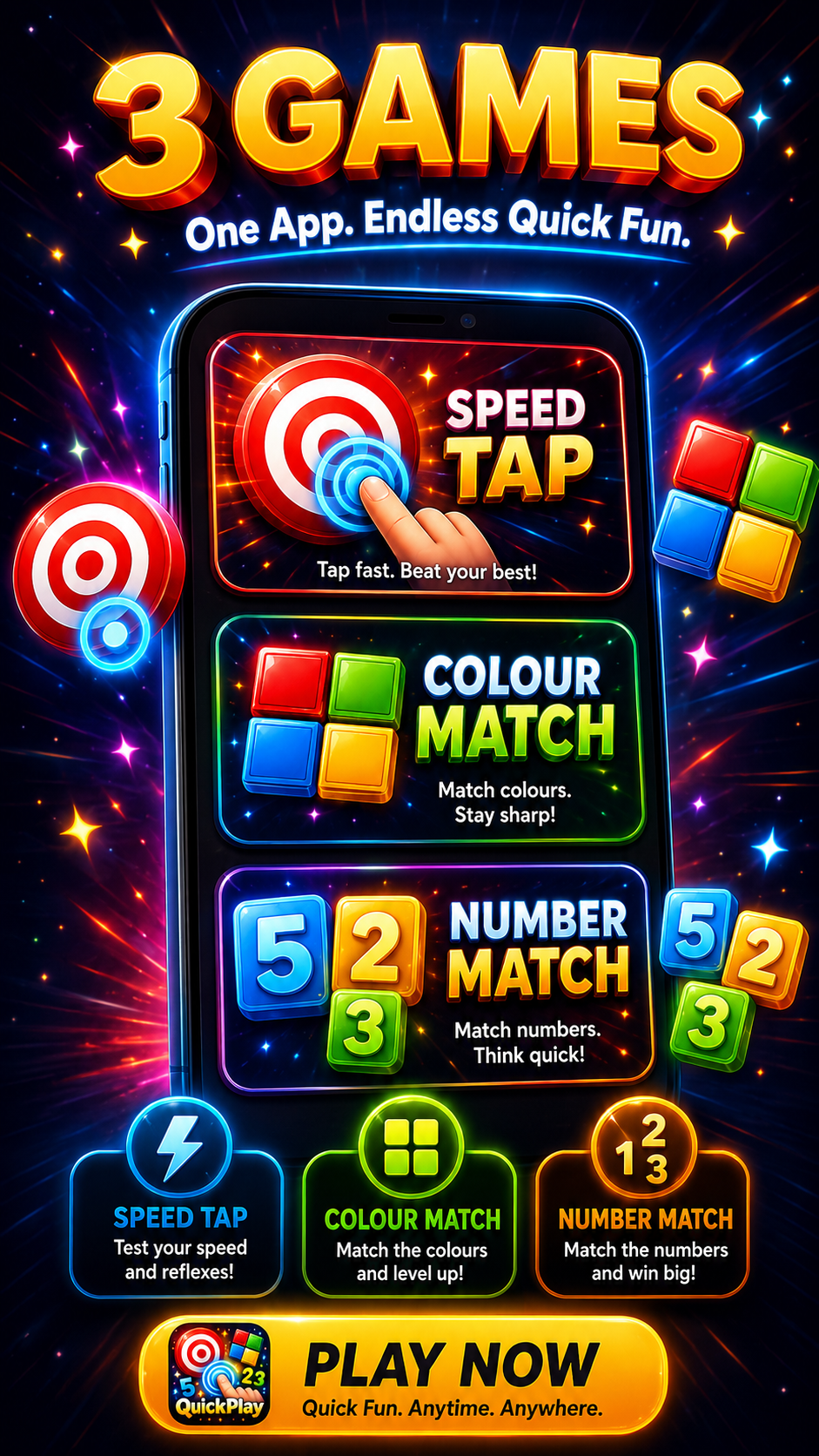
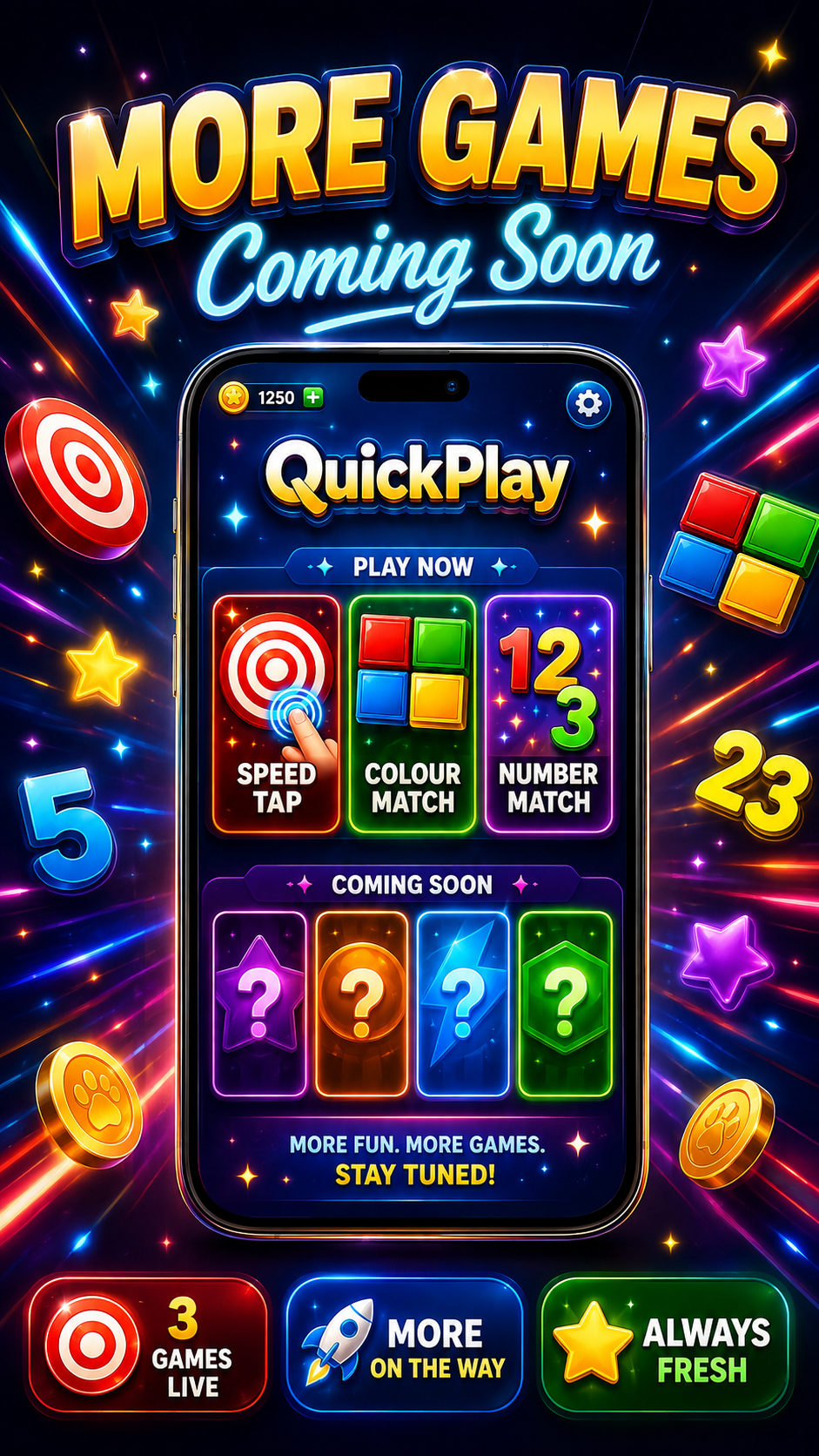
The first release focuses on Memory Match, Colour Match, Speed Tap and Number Match, with room for more mini-games in future updates.
Match hidden pairs using memory and concentration across quick rounds.
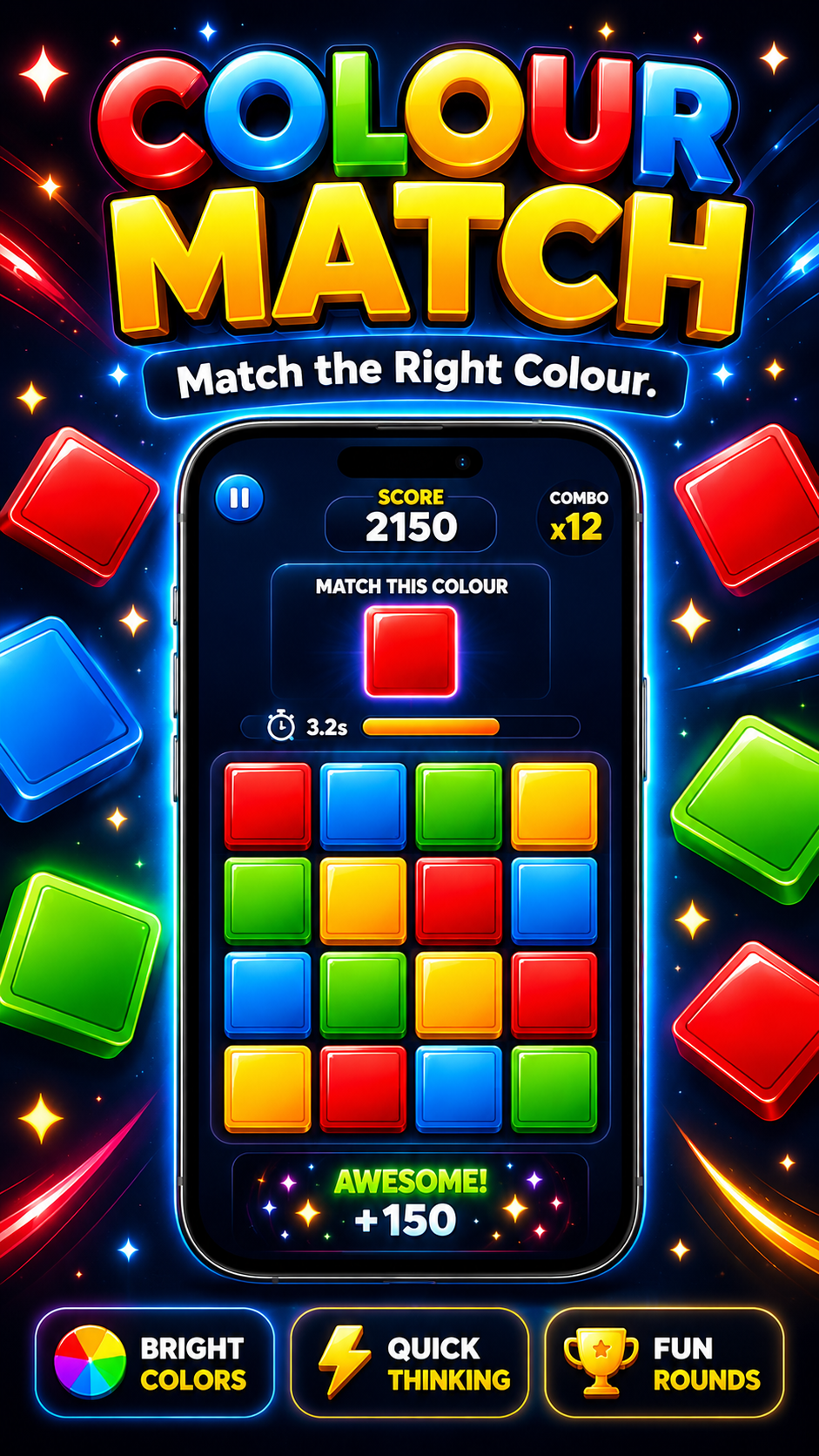
React quickly to colour challenges and choose the correct answer before time runs out.
Test reaction speed by tapping the correct target as quickly as possible.
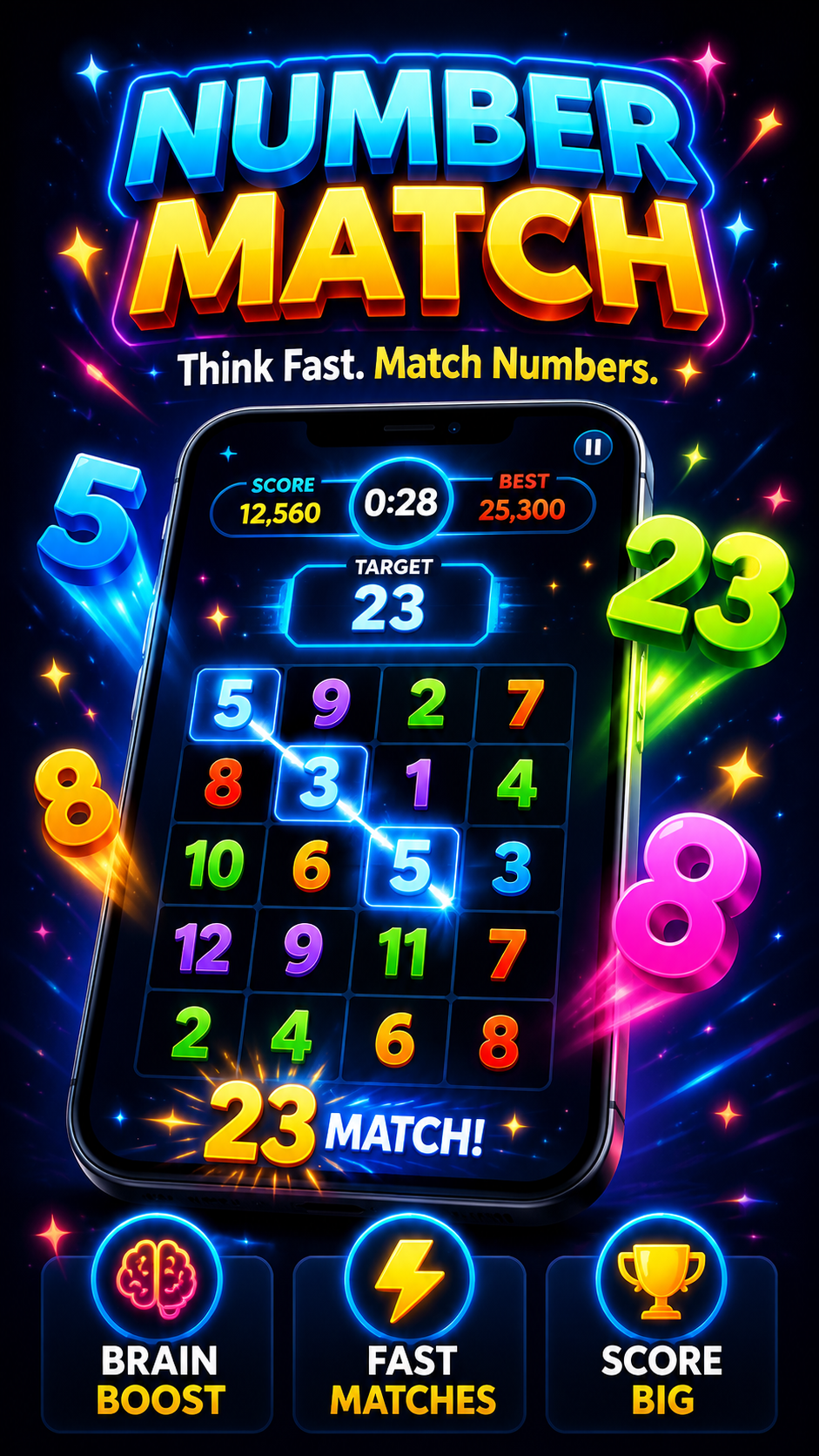
Find and match number combinations through short, focused puzzle rounds.
Mini-games are designed for short sessions that are easy to start and replay.
The modular game structure allows additional mini-games to be added in future versions.
Quick Play stores core game progress and settings locally. Online services are used only where needed for supported features described in the Privacy Policy.
Read the Quick Play Privacy PolicyQuick Play is currently available through Google Play Closed Testing.
No. Quick Play is designed for direct gameplay without a traditional sign-up flow.
Core game progress and settings can be stored locally on the Android device, while selected protected data such as verified purchase information may be handled through Firebase backend services.
The current game collection includes Memory Match, Colour Match, Speed Tap and Number Match, with additional mini-games planned for future updates.
Yes. Quick Play uses a modular structure designed to support additional mini-games in future versions.
Core gameplay and supporting systems are in place while final release preparation, testing and Google Play requirements are being completed.